GTA 6 hidden controls make getaways and driving much easier
GTA 6 hides practical shortcuts for vehicles, police evasion and combat. Here are the inputs independently documented for PS5 and Xbox Series X|S.
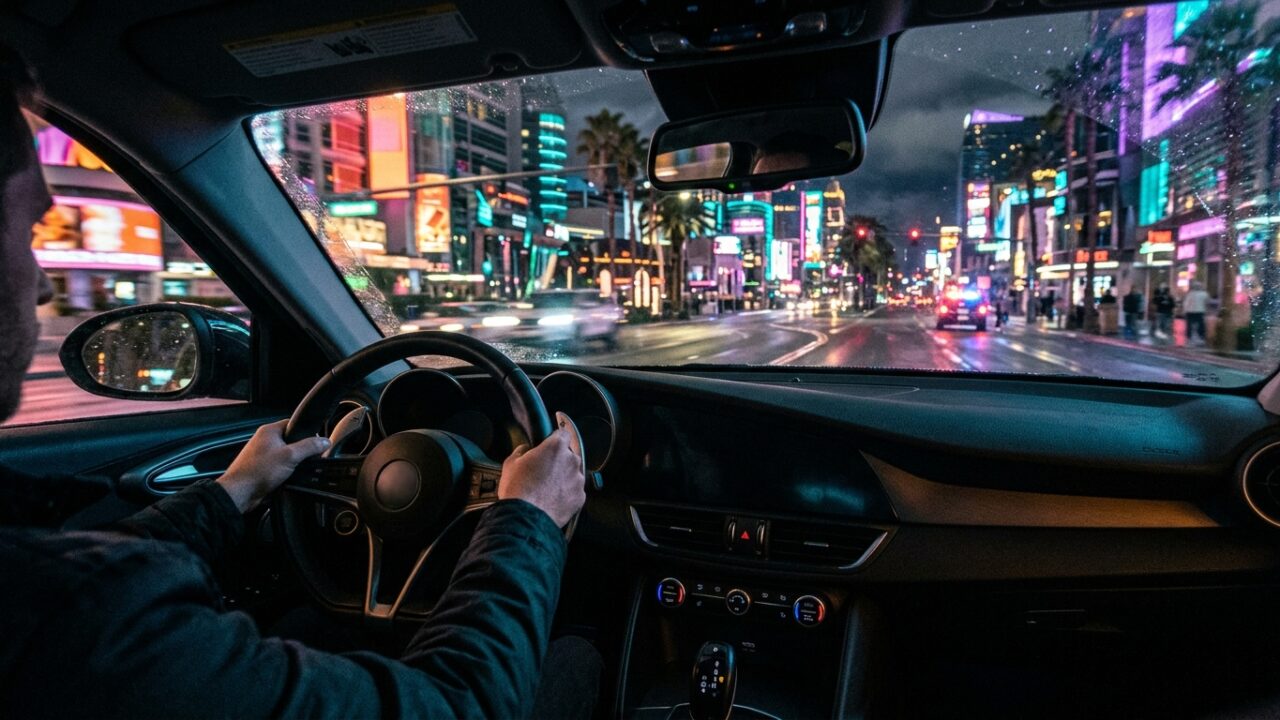
Grand Theft Auto 6 (GTA 6) hides several useful controller inputs behind ordinary buttons, including shortcuts for keeping a getaway car running, righting an overturned vehicle and accessing extra vehicle options. Independent guides from PC Gamer and GTA BOOM describe the same core inputs on PlayStation 5 and Xbox Series X|S, giving players a practical control layer beyond the game’s basic prompts.
The most useful shortcuts are found behind the wheel. Double-tapping Triangle on PS5, or Y on Xbox, when leaving a vehicle keeps its engine and lights active. That can save a step when a fast departure matters. If a car rolls onto its roof, click L3 while beside it and then hold Square on PS5, or X on Xbox, to push it back onto its wheels.
Rockstar’s official support pages confirm that GTA 6 separates its layouts into contexts such as on-foot movement, aiming, land and water vehicles, aircraft, bicycles and swimming. The specific vehicle actions below are described by PC Gamer and GTA BOOM rather than listed in Rockstar’s published accessibility overview.
The vehicle menu is the biggest discovery. Hold Left on the D-pad from the driver’s seat, then push the Right Stick upward. According to GTA BOOM, this exposes controls for the trunk, windows, engine, hazard lights and, where supported, the roof. PC Gamer separately confirms quick inputs for several of those functions: tap Circle on PS5, or B on Xbox, to cycle the headlights, while Left and Right on the D-pad operate the turn signals.
That creates a clear difference from the standard driving baseline: players can reach at least seven vehicle-management functions without opening a separate pause screen or leaving the car. The count comes from the five functions in the vehicle menu—trunk, windows, engine, hazards and roof—plus headlights and turn signals. This is a comparison of the documented inputs, not a measurement of how quickly each action can be performed.
More controls worth remembering
PC Gamer and GTA BOOM also report that holding Circle or B while seated makes the character duck down, which can help when police are searching nearby. Pressing Square or X while driving swings the driver’s door outward; on a motorcycle, the same button can kick at another rider. Holding Up on the D-pad opens the in-game phone shortcut for vehicle interactions, while clicking R3 or RS lets the character shout at nearby drivers, according to PC Gamer.
On foot, holding L2 or LT and clicking R3 or RS activates a close first-person look. Holding the same aim trigger and pressing R1 or RB produces the middle-finger gesture. The controls are not limited to one controller family: the action remains the same, but PlayStation and Xbox use different face-button labels.
The most reliable starting point is therefore the vehicle menu, followed by the three quick actions that are easiest to miss: double-tap the exit button, tap the headlight button and click the left stick beside a flipped car. Rockstar’s settings allow players to review or change control schemes, but the detailed shortcuts remain worth learning because they are tied to situations rather than presented as one complete list.
Discuss in the forum
What do you think about this story? Start the discussion in our forum.
Discuss in the forum →