GTA 6 HDR can look too dark: settings and SDR comparison explained
HDTVTest’s measurements explain why GTA 6 HDR can look too dark or flat. Here are the reported starting values, the 800-nit calculation and how to use an HDR calculator.
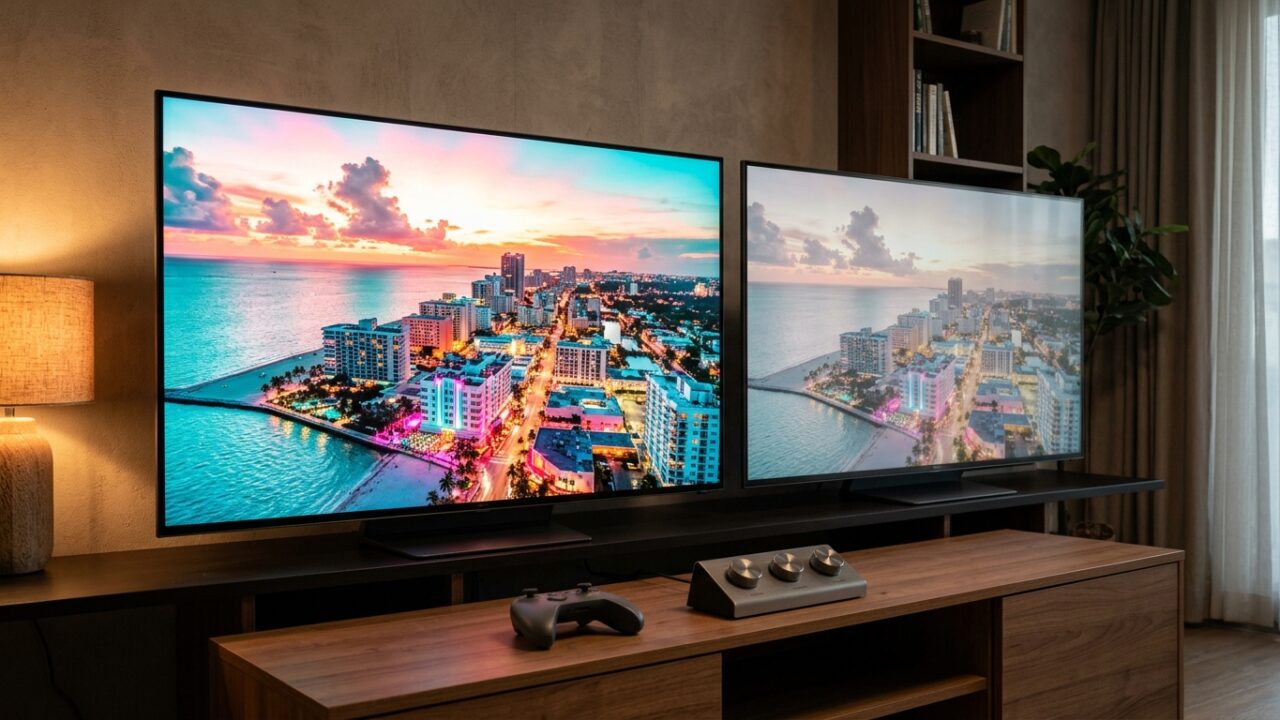
Grand Theft Auto 6’s HDR presentation can remain too dark or look washed out even after following the game’s calibration prompts. Games Aktuell points to a new SDR comparison by Vincent Teoh of HDTVTest, while HDTVTest’s measurements identify a more specific cause: GTA 6’s test patterns do not always reflect the brightness produced during gameplay. The issue affects HDR players on both PlayStation 5 and Xbox Series X|S, according to HDTVTest’s testing.
The practical starting point is to treat the in-game sliders as a connected system rather than adjusting Max Brightness alone. HDTVTest found that the game appears to rely on its own Max Brightness, Black Levels and Paper White controls instead of the consoles’ system-level HDR calibration. Its measurements also found that lowering Paper White below the default value of 50 changes how Max Brightness behaves in actual scenes.
For example, HDTVTest measured a sun peak of roughly 600 nits when Max Brightness was set to 1,000 and Paper White was below 50. Raising Max Brightness to 2,000 brought the in-game peak to about 1,000 nits on the tested reference display. That is not a universal setting, but it explains why the recommended value can be higher than a television’s measured peak brightness.
Starting values for a 1,000-nit display
HDTVTest’s starting point for a display capable of at least 1,000 nits is Max Brightness 2,000, Black Levels 20 and Paper White 35. Push Square reports the same values and recommends opening Options, Settings, Display and HDR Calibration before judging the two boat-party reference images. On PlayStation 5, R1 switches between the brighter and darker samples.
HDTVTest recommends beginning with the room lights off, setting Black Levels to zero and then increasing the value until the checkerboard pattern becomes visible. The value of 20 was the result on Teoh’s Sony reference monitor, not a guarantee for every OLED or LCD television. Paper White at 35 is another starting point intended to avoid the brighter, flatter midtones that HDTVTest measured at the default value of 50.
A reproducible rule of thumb from the reported testing is to start Max Brightness at approximately twice the display’s real peak when Paper White is below 50. For an 800-nit panel, the calculation is 800 nits × 2 = 1,600, so 1,600 is a test value rather than a final recommendation. The result is limited by the panel’s picture mode, tone mapping, room lighting and the way brightness is measured.
Using the calculator without treating it as a fix
The GTA 6 HDR Settings Calculator lets users enter a measured HDR peak and choose panel and room-lighting presets. It then produces starting values for Max Brightness, Paper White and Black Levels. The calculator says its output estimates the game’s HDR signal and that actual brightness can change with the display’s picture mode and dynamic tone mapping, so its values should be checked in both a dark scene and a bright scene.
The SDR comparison is useful as a reference, not as proof that SDR is always better. Games Aktuell describes the default HDR image as darker than SDR in a night scene, while the calculator identifies the HDTVTest footage as an SDR recording of the comparison. Players should therefore compare HDR and SDR directly on their own television, first using Game Mode and a consistent tone-mapping setting, then adjust the game’s three sliders together.
Discuss in the forum
What do you think about this story? Start the discussion in our forum.
Discuss in the forum →